Routines That Respond to the World Around You
Today we’re diving into context-aware routines with NFC tags and QR codes for real-world triggers, turning familiar objects into helpful touchpoints. With a quick tap or scan, your phone can launch tailored actions at home, work, or on the move—saving time, reducing friction, and making technology feel warmly human. We’ll explore approachable first steps, design and placement wisdom, privacy and security must‑knows, reliability tricks, and inspiring, field-tested examples you can borrow, adapt, and proudly share with friends, teammates, or family.

How Tap and Scan Become Actions

Behind every delightful “tap-to-do” moment is a simple chain: your device reads a tiny identifier, resolves it to intent, and launches an action that fits your context. NFC supplies instant proximity magic; QR delivers visibility at distance and compatibility across devices. Together, they bridge physical cues with digital flows, turning routines into lightweight rituals. Understanding this pipeline—identification, interpretation, execution—helps you design smoother experiences that feel fast, predictable, and trustworthy in kitchens, offices, hallways, workshops, and bustling commutes.

NFC and QR, Side by Side

NFC tags are unpowered chips read in a close, almost tactile moment; they feel effortless once placed well and encoded cleanly. QR codes shine when visibility matters: print big, stick anywhere, and scan from different devices without special hardware. NFC excels for private, quick triggers; QR wins for shared signage and low cost. Combine both for resilience: tap for speed, scan as fallback, and you’ll cover gloves, wet hands, glossy surfaces, dim hallways, and the occasional temperamental phone antenna.

From Identifier to Intention

A tag or code is only a pointer. The magic arrives when that pointer maps to intention: start coffee, log a workout, open a checklist, or arm the alarm. Use unique IDs, not hardcoded secrets. Resolve IDs through trusted apps, webhooks, or deep links that shape behavior using time, location, and device state. Add gentle prompts when stakes are high, skip prompts for everyday flows, and version your mappings so you can evolve actions without reprinting or replacing anything already installed.

Start Small and Get Confident

Momentum grows from one well-placed win. Begin with two or three routines you’ll use daily: lights with mood presets, a meeting-ready desk setup, or a pantry scan that updates groceries. Choose quality materials, encode responsibly, and document placements. Test on multiple devices, note antenna sweet spots, and refine labels so anyone understands what happens. Celebrate the first week’s savings, then add carefully. Consistency beats complexity, and your future self will thank you for building a tiny, dependable foundation that keeps delighting.

Moments That Matter: A Real‑World Playbook

Stories make possibilities real. Picture a rainy commute softened by a single tap that queues podcasts and sets navigation. Imagine a kitchen where scanning a label updates groceries and plays a favorite playlist. Envision a desk that transforms into a focus zone instantly. These routines reduce decision fatigue, create gentle boundaries between activities, and help families coordinate without chatter. Start with friction you already feel, then craft rituals that remove it. Small wins, repeated daily, build lasting calm and satisfying momentum.

Morning Boost on the Nightstand

A discreet tag on your nightstand can gracefully lift you into the day. Tap to disable Do Not Disturb, fade on warm lights, and start the kettle’s smart plug. If it’s Saturday, delay everything thirty minutes. If your first meeting is early, brighten faster and cue a brief news summary. Add a follow-up prompt for a two-minute stretch. By aligning light, sound, and caffeine to your calendar, mornings feel thoughtful instead of rushed, and you begin with a confident, composed rhythm.

Kitchen, Groceries, and Family Flow

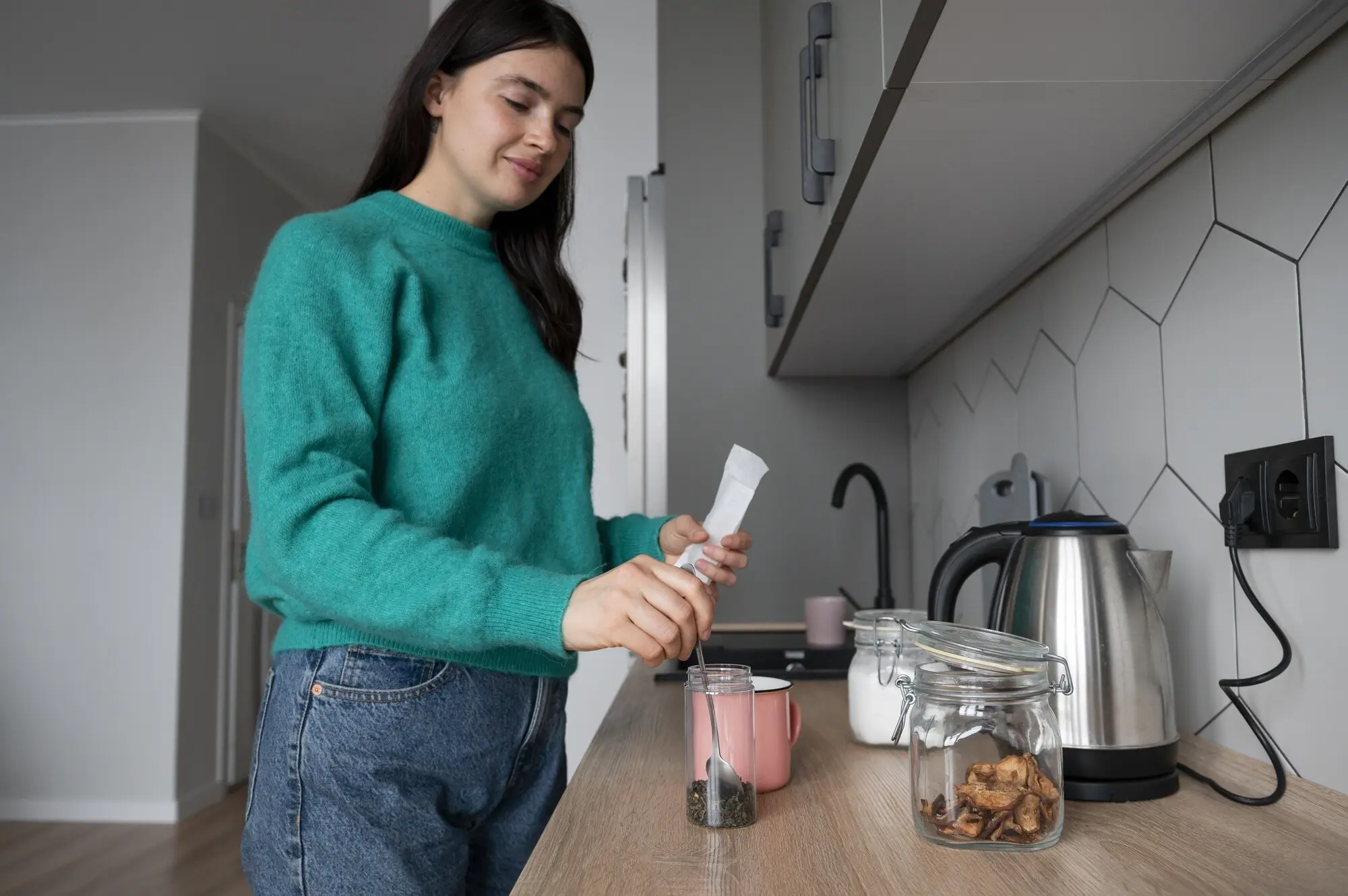
Place a weatherproof QR inside the pantry door to open a shared grocery list, tagging items with urgency. Another tag on the espresso machine toggles beans, grind time, and a music scene. Stick a washable QR on leftovers; scanning logs the container, date, and shelf. A colorful code on the fridge launches a rotating family chore checklist that kids can actually complete. These small anchors keep communication light, reduce waste, and transform kitchen traffic into coordinated teamwork powered by friendly, visible cues.

On the Move: Car, Commute, and Gym

A tag on your car mount can open navigation to the next appointment, set your preferred podcast queue, and send an ETA to a group chat. If rain is forecast, add a nudge for an umbrella. In the gym, a laminated QR by your locker logs sets to Notion or Sheets, starts a timer, and records perceived exertion. At arrival home, a porch-side tag opens the gate, warms hallway lights, and arms the camera scene. Mobility becomes guided, safe, and pleasantly automatic.

Defending Against Tampering and Phishing

Use tamper-evident laminates, custom iconography, and distinct wording so your codes are hard to impersonate. Keep links on your own domain, sign parameters with HMAC, and expire tokens quickly. Avoid opaque shorteners that confuse previews. Encourage users to check the URL bar and refuse unexpected prompts. For sensitive actions, require device unlock, local network checks, or two-factor confirmations. Document replacement procedures so if a sticker peels or a label vanishes, recovery is calm, fast, and leaves no lingering doubt.

Protect Personal Spaces and Shared Areas

Segment actions by location and role. At home, let anyone scan to open household checklists, but restrict alarm or lock scenes to trusted phones on the local network. In offices, badge-protected NFC can log equipment usage without exposing private dashboards. Add confirmation for irreversible actions, and require presence signals for consequential scenes. Keep clear, friendly labels so guests aren’t surprised. Regularly review access, prune stale IDs, and rotate credentials. Security becomes a reasonable habit, not a hurdle, supporting confidence in daily use.

Designing Touchpoints People Actually Use

Good placement and language beat cleverness. Put tags where hands naturally pause, and make QR scannable from realistic angles and lighting. Use simple verbs, friendly icons, and consistent color cues. Consider accessibility: contrast, size, and tactile anchors help everyone. Weatherproof outdoor surfaces; choose anti-metal tags for appliances. Offer a fallback nearby—tap here, scan there—so nothing blocks progress. The most successful installations feel obvious, inviting, and respectful, turning intention into an easy gesture people repeat without thinking twice.

Lightweight Analytics That Respect Privacy

Track trigger counts, success rates, and durations without overreaching. Log anonymous events to Home Assistant, InfluxDB, or Google Sheets via Apps Script. Use rotating identifiers, aggregate by day, and cap retention. Visualize in Grafana or Looker Studio to spot breakage or surprising patterns. When you instrument thoughtfully, you gain clarity without voyeurism, and you’ll know exactly which touchpoints deserve polish next. Metrics become a quiet compass, guiding improvements while keeping people comfortable and in control.

Run Experiments and Improve

Treat each touchpoint like a friendly product. Form a hypothesis, change one variable—copy, placement, or action sequence—and measure the result. Did scans get faster? Did confirmations reduce errors or just add delay? Keep experiments small and time-boxed. Maintain a changelog so reversions are painless. Over weeks, compound wins accumulate: fewer taps, clearer labels, and smoother handoffs between devices. Iteration turns one clever sticker into a dependable network of moments that keep paying back attention and time.

Community, Documentation, and Support

Document locations, IDs, and intended behaviors in a living guide with photos. Offer printable templates so others can replicate your successes. Share your favorite routines, materials lists, and lessons learned in comments, forums, or a newsletter, and invite questions. Welcome contributions via a public repository. Host occasional office hours or AMAs to help newcomers start. When people feel supported and seen, they stick around, trade ideas, and together build a richer catalog of joyful, context-aware routines that uplift everyday life.